




10 Most Common Laser Marking Mistakes To Avoid
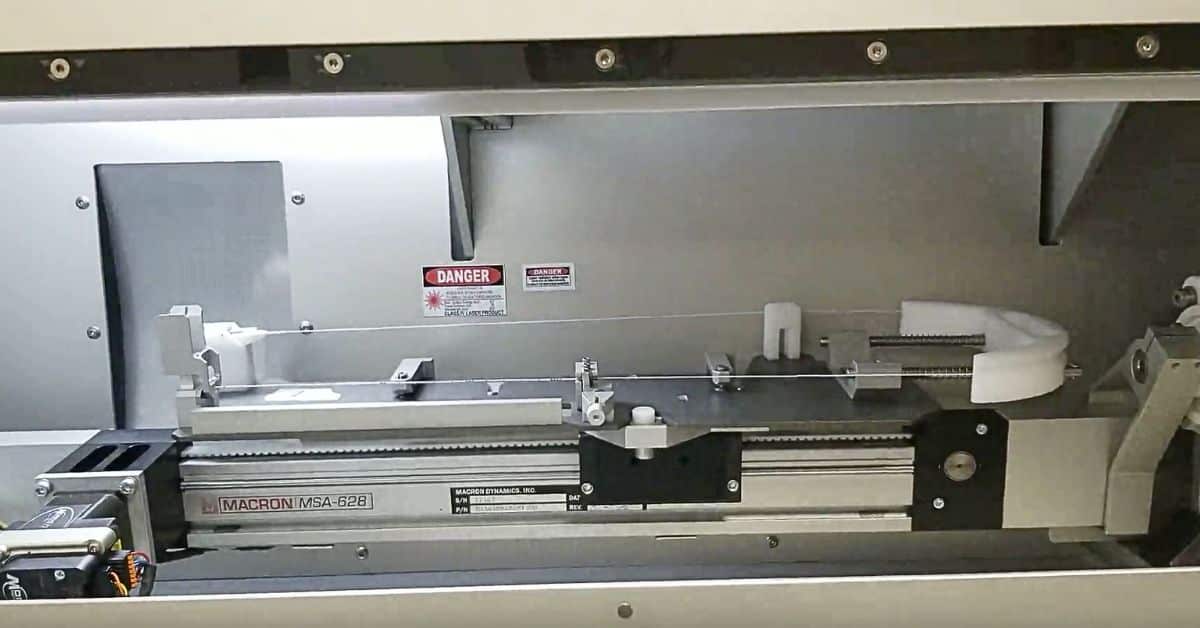
Laser marking is a critical process across various industries, from aerospace to medical device manufacturing. With correct execution, it offers permanent, high-resolution identification that withstands harsh environments. However, achieving that perfect mark requires more than just pressing a button. Errors in the process can waste materials, create illegible codes, and cause compliance failures.
This guide highlights the most common laser marking mistakes to avoid and offers actionable guidance on how to avoid them. By sidestepping these errors, you protect the integrity of your products and the efficiency of your production line.
Mistake 1: Improper Material Selection
One of the most fundamental errors occurs before the laser even fires: choosing a material that doesn’t react well to the specific wavelength of your laser. Not all plastics or metals are equal. For instance, UV lasers excel at “cold marking” sensitive materials like certain plastics and glass by inducing a photochemical reaction.
If you select a material incompatible with your laser source, you risk poor contrast, melting, or complete failure to mark. Some plastics, for example, require specific additives, such as Titanium Dioxide (TiO2), to achieve a high-contrast color change without damaging the substrate. Always verify that your substrate material is chemically compatible with your laser’s wavelength to create a crisp, durable mark.
Mistake 2: Incorrect Laser Settings
Laser marking is a delicate balance of three primary variables: power, speed, and frequency. A common mistake is using a “one-size-fits-all” approach to settings. If the power is too high or the speed is too slow, you might burn or carbonize the material, compromising its structural integrity. Conversely, if the power is too low or the speed is too fast, it may create a faint and illegible mark.
To avoid this, operators must perform parameter testing for each new material batch. Fine-tuning the frequency (pulse repetition rate) is equally important: higher frequency yields smoother lines but less material removal, while lower frequency provides more aggressive material removal. Finding the “sweet spot” creates high-quality results without damaging the part.
Mistake 3: Neglecting Material Preparation
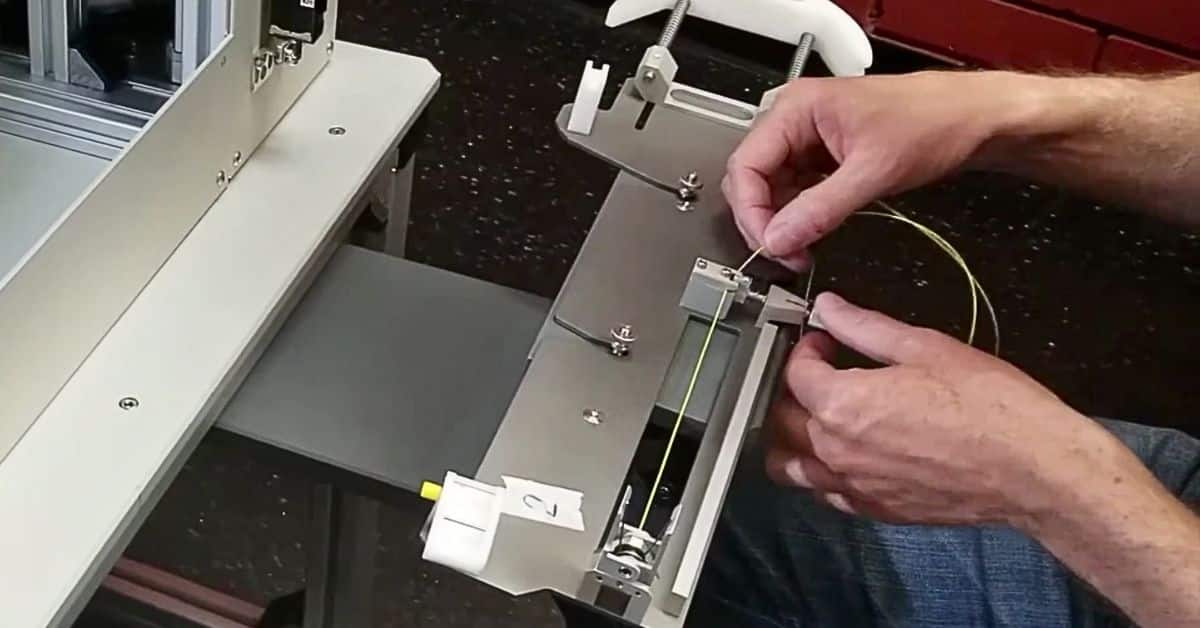
Even the most advanced laser system cannot compensate for a dirty surface. Contaminants such as oil, grease, dust, or oxidation layers act as a barrier between the laser beam and the substrate. This interference can cause inconsistent marking depth or spotty coloration.
Before marking, implement a thorough cleaning protocol. Verify that the surface is free of debris and chemical residues. For critical applications, such as wire-insulation marking in aerospace, the surface must be pristine to provide a uniform photochemical reaction. A clean surface promotes better absorption of the laser energy and a sharper final image.
Mistake 4: Ignoring Focus and Distance
Laser beams operate effectively only within a specific focal range. If the distance between the laser lens and the material surface is incorrect, the beam spot size increases, and energy density drops significantly. This creates a “defocused” mark that looks blurry or washed out.
Operators typically make this mistake when switching between parts at different heights without adjusting the laser’s z-axis. Always verify the focal distance before starting a new job. Many modern systems include focus-finding tools, but manual verification confirms the precise alignment of the focal point with the material surface for maximum energy transfer and precision.
Mistake 5: Lack of Adequate Ventilation
Laser marking, especially when processing plastics or coated metals, can generate fumes, smoke, and particulates. Failing to remove these byproducts is a serious safety hazard and a quality control issue. Smoke particles can settle on the laser lens, damaging the optics over time, or settle back onto the part, ruining the mark quality.
Equipping your workspace with a high-efficiency fume extraction system is a worthwhile investment. Proper ventilation protects the operator from inhaling potentially toxic fumes released during the marking process and keeps the optical path clear for consistent laser performance.
Mistake 6: Insufficient Contrast
Another common laser marking mistake to avoid is failing to create a readable contrast between the mark and the material. A mark that blends into the background material is useless for traceability. This issue frequently arises when using ablation techniques that remove material without changing color. This is why Tri-Star’s laser marking systems induce a chemical change in the material that’s more distinct to the eye, rather than removing material.
To achieve high contrast, consider using UV lasers that interact with pigments like TiO2 to create a dark mark on a light background without damaging the surface. If you are struggling with contrast, re-evaluate your laser source or consider material additives to enhance laser absorption and color change.
Mistake 7: Overlooking Maintenance
Laser marking machines are robust, but they are not maintenance-free. Neglecting routine maintenance is a surefire way to shorten your equipment’s lifespan and degrade marking quality. Dust accumulation on lenses, mirrors, or scanners can scatter the laser beam, reducing power output and precision.
Establish a regular maintenance schedule that includes cleaning optical components with appropriate solutions, checking air filters in the cooling and exhaust systems, and inspecting cables for wear. Preventive maintenance allows the machine to operate at peak efficiency and prevents costly, unexpected downtime.
Mistake 8: Using Incompatible Software
The software controls the laser’s movement, power modulation, and pattern generation. Using obsolete or incompatible software can cause communication errors, distort graphics, or improperly handle variable data like serial numbers.
Confirm that your marking software is fully compatible with your specific laser hardware and operating system. It should support the necessary file formats (e.g., vector files for logos) and handle the complexities of your application, including generating barcodes, sequential numbering, and rotary marking.
Mistake 9: Inadequate Training
The most sophisticated laser system is only as good as its operator. A frequent mistake in manufacturing environments is allowing untrained personnel to adjust complex laser parameters. This can lead to setup errors, material waste, and potential safety hazards.
Invest in comprehensive training for all operators. They should understand not just how to load a file, but the underlying principles of laser-material interaction, safety protocols, and troubleshooting. A well-trained operator can identify and correct minor issues before they become major production failures.
Mistake 10: Ignoring Compliance Standards
For regulated industries such as aerospace (SAE AS5649, BAC5152) and medical devices (UDI requirements), a mark is not just an identifier; it is a legal requirement. Failing to adhere to specific depth, contrast, and durability standards can result in rejected parts and audit findings.
Always verify the applicable industry standards for your product. For example, aerospace wire marking requires that the insulation remain intact while the mark is indelible. Verify that your laser process meets these rigorous specifications to avoid compliance nightmares down the road.
Conclusion
Avoiding these common mistakes will significantly improve the quality, efficiency, and reliability of your laser marking operations. By understanding the interaction between the laser and the material, maintaining your equipment, and adhering to industry standards, you safeguard the permanence, legibility, and compliance of every mark.
If you are experiencing consistent issues with marking quality or need assistance selecting the right equipment for your specific application, contact Tri-Star Technologies. Our team of experts is ready to help you optimize your process.